


Introduction
Instagram profile pictures help people express their personality, represent a business, promote a personal brand, and make their accounts recognizable. Although these images appear prominently on profiles, they can be difficult to examine closely when viewed as small thumbnails. This is where an Insta DP Viewer becomes relevant. These tools are designed to help users view Instagram display pictures more clearly, particularly when the image appears too small to inspect comfortably on a phone or computer screen.
People search for Instagram profile picture viewers for different reasons. Someone might want to identify a public business account, examine a creator’s branding, recognize a familiar contact, or see the details of a profile photograph. Others may simply be curious about how Instagram displays profile images and whether those images can be viewed at a larger size.
However, understanding these tools requires more than knowing where to enter a username. Different websites offer different features, and their reliability, privacy practices, and technical limitations can vary. Some may work only with publicly accessible profile information, while others may display outdated images, advertisements, or misleading promises. Private accounts also have privacy protections that third-party viewers should not be expected to bypass.
This guide explores how Instagram profile picture viewing works, what features to look for, how to use these tools responsibly, and which alternatives may be more appropriate for different needs. It also explains common limitations, privacy considerations, and practical ways to make informed decisions before using an online profile image viewer.
What Is an Insta DP Viewer?
An Insta DP Viewer is a website or online utility intended to display an Instagram profile picture in a larger or more convenient viewing format. The term “DP” stands for display picture, a phrase commonly used for profile photographs on social platforms. On Instagram, the equivalent term is usually “profile picture,” although many users search for DP-related tools because the wording is familiar.
Instagram displays profile pictures in a small circular frame across profile pages, comments, direct messages, and other areas of the application. This design makes accounts easy to recognize but can make certain image details difficult to see. A profile image viewer aims to address this limitation by presenting an accessible version of the image when the necessary image data is available.
The capabilities of these services differ. Some simply display a publicly available profile picture, while others offer a larger preview or provide basic information about whether a username can be found. Not every website provides the same image quality, and some may not work when Instagram changes its technical systems.
It is also important to distinguish between viewing an image and accessing an account. A profile picture viewer does not automatically provide access to private posts, direct messages, hidden stories, or other restricted information. Legitimate viewing should remain within the boundaries of publicly accessible information and the account owner’s privacy settings.
For users researching profile images, the most useful service is not necessarily the one advertising the greatest number of features. Reliability, transparent privacy practices, and clear limitations are more important than exaggerated claims about unrestricted access.
Why Do People Use Instagram Profile Picture Viewers?
There are several practical reasons someone might want to view an Instagram profile image more clearly. One common situation involves recognizing an account. When a person follows many creators or communicates with several businesses, profile photographs can help distinguish between accounts with similar usernames. A larger image may make a logo, familiar face, or other visual detail easier to recognize.
Small businesses and digital marketers may also examine public profile pictures as part of brand research. For example, a marketer comparing several public business accounts might look at how competitors use logos, colors, portraits, or product imagery. This can help inform the design of the marketer’s own profile without copying another business’s creative work.
Content creators may use profile image viewers to study presentation techniques. A creator might compare how professional portraits, simple illustrations, and recognizable brand symbols appear in a small circular frame. The goal is to understand which visual elements remain recognizable when an image is displayed at a reduced size.
Another use case involves checking a public account before contacting it. A person may want to verify that a profile appears consistent with a business or creator they already know. Nevertheless, a profile picture alone cannot prove that an account is authentic. Impersonators can copy public photographs and logos, so additional verification is necessary.
Some users are simply curious. They may want to inspect a public photograph more closely without navigating through multiple screens. This is an ordinary viewing need, but it does not remove the responsibility to respect the person who posted the image.
Understanding these motivations helps explain why Insta DP Viewer searches remain relevant. The tool itself is only one part of the process; the purpose of viewing the image determines which method is most appropriate.
How Does an Insta DP Viewer Work?
Most online profile picture viewers follow a relatively simple process from the user’s perspective. A visitor enters an Instagram username, submits the request, and waits for the website to display a profile image if one is available. The underlying technical process, however, depends on how the service retrieves and presents the image.
Some tools rely on publicly accessible profile information or image resources. Others may use data obtained through permitted integrations or previously retrieved information. The exact method depends on the provider, and a website does not necessarily explain its technical approach clearly.
Once the service identifies an available image, it may display the picture within its own page. If the source image supports a higher-resolution version, the viewer may present a larger preview than the small thumbnail encountered elsewhere. However, enlarging an image does not automatically improve its original quality. A low-resolution image may become larger while remaining blurry.
The service may also fail to retrieve the image. The username might be incorrect, the account may have changed its profile picture, the service may be temporarily unavailable, or Instagram’s access rules may prevent the request from succeeding. Technical changes can also cause previously functional websites to stop working.
Users should be cautious when a website claims it can access any account regardless of privacy settings. A public profile picture and private account content are different categories of information. A tool’s promotional language does not establish that its access claims are legitimate.
The safest approach is to treat the viewer as a limited image-display utility rather than an account-access service. Avoid entering Instagram passwords or authentication codes into unrelated websites, and do not install unknown software simply to view a profile photograph.
How to Use an Insta DP Viewer Safely
Using a profile picture viewer generally involves a few straightforward steps, but careful selection of the website matters as much as the process itself. Start by identifying the public Instagram username associated with the profile you want to view. Usernames can contain letters, numbers, periods, and underscores, so enter the exact spelling rather than a display name that may be shared by several accounts.
Next, choose a service that explains its purpose and privacy practices clearly. Check whether it requires account registration, requests unnecessary permissions, or asks for personal credentials. A basic image viewer should not need your Instagram password merely to display a publicly accessible profile photograph.
Enter the username in the designated search field and submit it. If the service can retrieve the image, review the result and determine whether the displayed quality meets your needs. If no image appears, check the spelling and try the profile directly through Instagram before assuming that the account or image is unavailable.
If the result looks outdated or inconsistent with the profile, do not assume that the service has retrieved the latest image. Some viewers may rely on cached information, and the availability of current image data can change.
A responsible process focuses on the following precautions:
-
Use the correct username: Check the spelling carefully and confirm the account through Instagram when possible.
-
Avoid credential requests: Do not provide your password, login codes, or recovery information to an unrelated viewer.
-
Check website credibility: Review the privacy policy, contact information, and signs of misleading advertisements.
-
Respect personal boundaries: Viewing a public image does not grant permission to harass someone or misuse their photograph.
-
Avoid suspicious downloads: Do not install browser extensions, applications, or files unless you have a clear reason to trust the provider.
Following these precautions reduces unnecessary exposure to scams and helps keep the activity focused on legitimate viewing. If a website behaves suspiciously or makes unrealistic promises, leave it rather than trying to work around its restrictions.
Common Features of Instagram DP Viewer Tools
Online profile picture viewers can differ significantly in design and functionality. Some concentrate on a single task, while others combine several profile-related utilities on the same website. Comparing features helps users understand what a service actually offers instead of relying on broad marketing claims.
A larger image preview is the most relevant feature. It allows users to inspect a profile photograph without relying exclusively on the small circular thumbnail shown in Instagram’s interface. The quality of the preview depends on the available source image and the website’s retrieval method.
Username search is another common feature. It gives visitors a convenient way to locate a public profile image without manually navigating through multiple pages. However, a search field does not guarantee that the website can retrieve every account. Availability depends on the accuracy of the username, the source data, and any applicable access restrictions.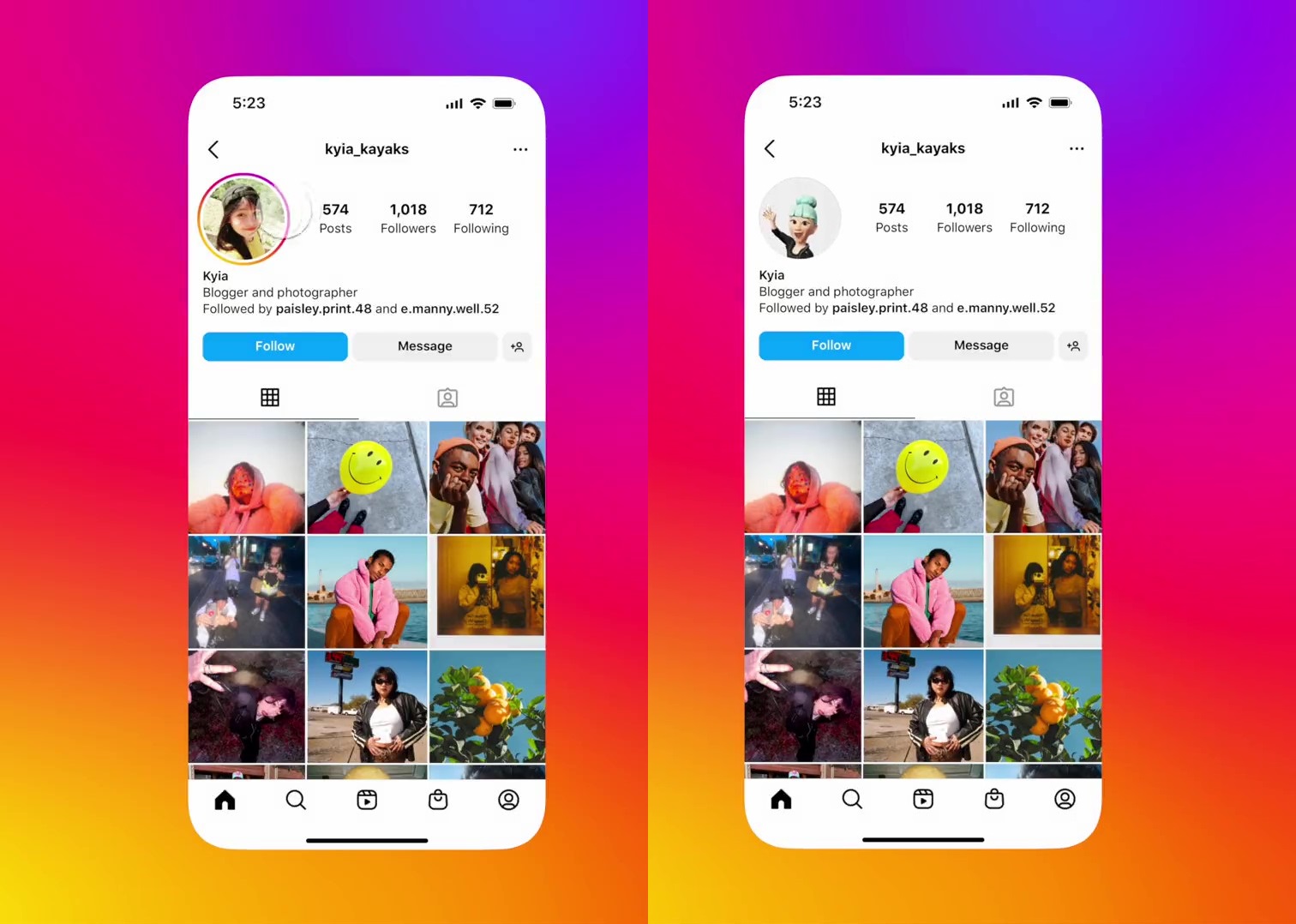
Some services provide a simple interface designed for mobile browsers. This can be useful when someone wants to check a profile image on a smartphone without downloading a dedicated application. Other sites include advertisements or links to unrelated utilities, making it important to distinguish useful functionality from promotional material.
A few websites advertise image downloads, but users should carefully consider the source, the provider’s terms, and the intended use. An image being visible online does not automatically mean it can be republished, edited for commercial purposes, or used to represent another person.
The following comparison explains common features and their practical limitations.
| Feature | Potential benefit | Important limitation |
|---|---|---|
| Username search | Helps locate a profile image using an account name | Incorrect usernames or restricted access may prevent results |
| Larger image preview | Makes visible details easier to inspect | Cannot restore detail missing from the source image |
| Mobile-friendly layout | Makes viewing more convenient on phones | Some websites may have intrusive advertisements |
| Image download option | May allow saving an available image locally | Saving does not grant copyright or reuse permission |
| Cached image display | May show an image previously retrieved by the service | The image may no longer match the current profile |
| No-registration access | Avoids creating an additional account | Does not automatically establish that the website is safe |
The table illustrates why feature lists should be evaluated carefully. A service that provides fewer functions but handles information transparently may be preferable to a website advertising extensive access without explaining its limitations.
Can You View an Instagram Profile Picture in Full Size?
Whether a profile picture can be viewed at a larger size depends on the image data available and the method used to access it. Instagram’s interface is designed primarily for quick recognition, so profile images are often displayed in a small circular format. A separate viewer may provide a larger presentation when a suitable image resource is available.
A larger display can make certain details easier to recognize, such as the colors in a logo, the outline of a portrait, or text included in a graphic. However, the phrase “full size” can be misleading. It may refer to a larger preview rather than the original file uploaded by the account owner.
The original photograph may have been compressed, cropped, or resized before being displayed. A third-party service cannot reliably reconstruct every missing pixel or recover details that are not present in the accessible image. Some websites may simply stretch a thumbnail to fit a larger area, which can reduce clarity.
The circular crop also matters. An Instagram profile image may be based on a square source image, while the interface shows only a circular portion. A larger preview might reveal more of the available image, depending on the viewer and source. Nevertheless, users should not assume that every service can retrieve an uncropped original.
When image quality is important, compare the preview with the profile as it appears on Instagram. If the photograph is blurry in both places, the limitation may come from the source rather than the viewing tool. If the image differs substantially, the viewer may be showing cached data or an altered version.
A trustworthy service should describe its capabilities realistically. Claims of guaranteed original resolution or perfect image recovery deserve skepticism unless the provider can explain how those results are obtained.
Insta DP Viewer and Private Instagram Accounts
Privacy is one of the most important considerations when discussing Instagram profile picture viewers. Instagram provides account privacy settings that determine who can access posts and other profile content. A private account generally restricts its posts to approved followers, while certain basic profile information may remain visible to other users.
An Insta DP Viewer should not be treated as a method for bypassing these restrictions. Third-party websites cannot legitimately promise unrestricted access to private photographs simply because a visitor enters a username. If a service claims to reveal private posts, hidden stories, or restricted profile information without permission, its claims should be treated with caution.
There is also a difference between a profile picture and the photographs shared in a private account’s feed. An image that is publicly accessible in one context does not establish that all other images belonging to the same person are available. Privacy settings exist to give account owners control over who can see their content.
If you need to see a private account’s photographs, the appropriate option is to send a follow request through Instagram and wait for the account owner to approve it. If you know the person, you can also ask them directly to share the photograph with you.
Respecting these boundaries is important even when a third-party website advertises itself as a private profile viewer. Avoid services that ask you to complete suspicious surveys, provide login credentials, download unknown applications, or pay for access to supposedly hidden content.
A responsible profile image viewer should focus on information that can legitimately be accessed. It should not encourage people to evade privacy settings or create the impression that every Instagram account is available for unrestricted inspection.
Privacy and Security Risks to Consider
Not every website offering Instagram profile picture viewing services is equally trustworthy. Some provide a straightforward interface, while others may use aggressive advertising, unclear data practices, or misleading buttons to encourage visitors to interact with unrelated services.
One concern is the collection of search information. When you enter a username into a third-party website, the service may process that information and record technical details about your visit. Depending on its privacy practices, it may also use cookies or other technologies. Review the website’s privacy policy when available, particularly if you are concerned about how your browsing activity is handled.
Another risk involves phishing. A website may imitate a legitimate login page and ask you to enter your Instagram credentials. Providing those details could expose your account to unauthorized access. You should access Instagram through its official application or website rather than trusting a login form presented by an unrelated image viewer.
Misleading advertisements are another issue. A button labelled as a viewing option may lead to an advertisement, subscription offer, or unrelated download. Before clicking, check the destination and avoid granting permissions that are unnecessary for the task.
Browser notifications and downloads also deserve attention. Some websites request permission to send notifications even though that permission is not needed to display an image. Unknown extensions may request access to browsing information or other sensitive data. Decline unnecessary requests and leave any page that appears deceptive.
If you accidentally enter your password on a suspicious website, change it through Instagram’s official channels and review your account’s security settings. If you reused the same password elsewhere, update those accounts as well. Enabling two-factor authentication adds another layer of protection.
Ultimately, a profile picture viewing tool should not require excessive personal information. When a service demands more access than its basic function reasonably needs, choosing a different method is the safer decision.
Conclusion
An Insta DP Viewer can offer a convenient way to inspect publicly accessible Instagram profile pictures when the standard thumbnail is too small to see comfortably. Depending on the service and available image data, users may be able to view a larger preview, identify visual details, or conduct basic research into public account branding.
However, these tools have meaningful limitations. Image quality varies, results may be outdated, and not every account or photograph will be accessible. A larger preview is not necessarily the original image, and no third-party viewer should be assumed to provide unrestricted access to private content.
